What is dental lockbox automation?
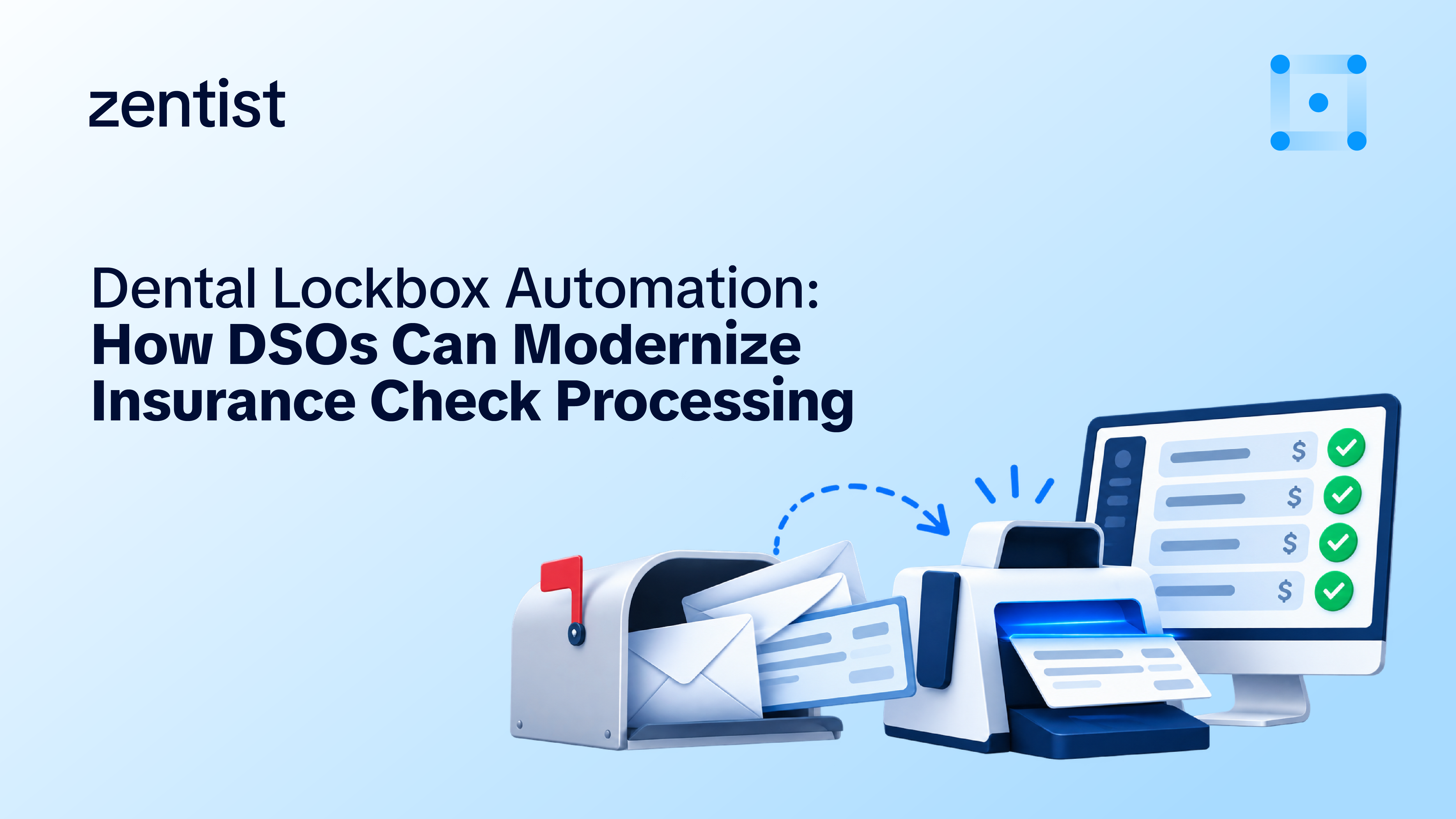
Dental lockbox automation is a service that receives a dental organization's insurance checks and EOBs, reads the data, deposits the funds, and reconciles each payment. As a result, the revenue cycle team no longer handles paper at any step. It goes beyond a traditional bank lockbox, which stops at the deposit, by capturing check and EOB data, tracking every payment's status, and passing clean payment data on for posting.
For DSOs and multi-location dental groups, the goal is simple: receive, deposit, match, and see every insurance payment in one place, no matter which practice it was meant for.
Why insurance checks still matter in the age of EFT and ERA
Electronic payments are growing in dental, but paper checks remain part of the payment mix.
According to the CAQH Index, 33% of dental claim payments were made electronically through EFT in 2024, up from 30% in 2023 and 21% in 2022. That means most dental claim payments were still made through other methods, including paper checks. Medical claim payments were much further ahead, with 78% made through EFT in 2024. Nacha’s March 2026 summary of the CAQH Index
Electronic remittance adoption also lagged. The 2024 CAQH Index found that only 39% of dental remittance advice transactions used the fully electronic 835 standard, while 58% were processed manually.
The takeaway: electronic payment and remittance adoption are not keeping pace across dental. Practices and DSOs may still need to manage electronic and paper-based workflows side by side.
Electronic payments paired with electronic remittance data can support automated posting. Paper checks introduce additional steps: someone must receive the mail, open the envelope, identify the payment, deposit the check, match it to the explanation of benefits (EOB), and post the payment.
As electronic workflows become more common, paper payments can be easy to overlook. Yet every check still needs to be processed, reconciled, and accounted for, regardless of how much of the organization's revenue arrives electronically.
A useful first step is to measure your own payment mix. What percentage of insurance payments still arrive as checks? Which payers send them? And how does the volume vary across locations? Understanding that mix helps you identify where paper-based processes continue to create work for your revenue cycle team.
How dental lockbox automation works, from receipt to reconciliation
The workflow has seven steps. The first five happen without the practice touching the paper.
- Receipt: Payers mail checks and EOBs to a dedicated lockbox address instead of a practice or the bank's lockbox. Each practice is identified so mail can be routed to the right location.
- Capture: The check and the EOB are scanned, and the data on them is read: payer, payee, check number, amount, patient, and claim details.
- Deposit: The check images are used to create an Image Cash Letter (ICL), a file that lets the bank accept the deposit digitally without moving the paper check through the clearing process.
- Matching: Each check is matched to its EOB, and each EOB to the claims it pays.
- Status tracking. Every payment shows where it stands: received, deposited, reconciled, or transferred, by payer, by location, and by status.
- Posting: Clean, matched payment data is passed to the posting workflow so payments can be entered in the practice management system (PMS), either automatically or with review.
- Exceptions: Anything that does not fit is flagged for a person: a check with no EOB, an EOB with no check, a duplicate, or a returned item.
Traditional bank lockbox vs. automated dental lockbox
A traditional bank lockbox receives and deposits checks. An automated dental lockbox does that and handles what comes next.
Capabilities vary by bank and by provider, so treat this as a framework for comparing options, not a statement about any one of them.
Operational metrics to track
These are the measures to baseline before you change anything, and to track afterwards. Define each one the same way across every location.
We have not published benchmark values here, because they depend on payer mix, volume, and how many locations receive mail. Your own baseline is a more reliable starting point than an industry average.
What to look for when evaluating a solution
Six questions separate a true dental lockbox automation from a deposit-only service:
- Does it read EOBs as well as checks? Without EOB data, matching and posting stay manual.
- Is it built for dental payers and PMS workflows? Payer formats, EOB layouts, and posting rules differ from general healthcare.
- How does it handle multiple locations? Look for visibility by payer, location, and payment status in one view.
- What happens to exceptions? A good process flags missing EOBs, duplicates, and returned items instead of hiding them.
- How does data reach posting? Ask whether payment data flows into your posting process, or has to be re-keyed.
- What does setup involve? Rerouting payer mail is usually the longest part of onboarding. Ask who manages it and how long the old address stays active.
If you already have a bank lockbox, ask whether the provider replaces it for insurance mail or sits on top of it. The answer changes your onboarding work and your bank relationship.
Introducing Vault by Zentist
Vault is Zentist's lockbox automation for dental groups and DSOs. It follows the workflow described above.
- Dedicated lockbox: Zentist sets up a lockbox for your organization and works with you to reroute payers to it. For insurance mail, it replaces your bank lockbox. You keep your own bank account, and funds are sent there.
- Check and EOB processing: Vault captures and processes check and EOB data and creates Image Cash Letters for digital deposit.
- Visibility: Real-time payment status by payer, location, and payment status, with reconciliation and lockbox reporting.
- Multi-location support: Built for DSOs and dental groups with many practices.
- Posting: Vault is part of the Zentist suite alongside Remit AI. Payment posting into your PMS runs through Remit AI Autoposting, which is available to Remit AI clients who add it.
Vault is available now. To see it in action, book a demo.
FAQ
Heading

Answer

