For DSO leaders evaluating AI billing tools, the real buying question isn't what a vendor claims on a sales deck—it's what proof shows that patient data and billing actions stay under your control. This guide covers what to verify, what to ask, and what a trustworthy answer looks like. (Note: This is not legal advice; confirm your final arrangement with your compliance or legal team.)
Can AI dental billing software be HIPAA compliant?
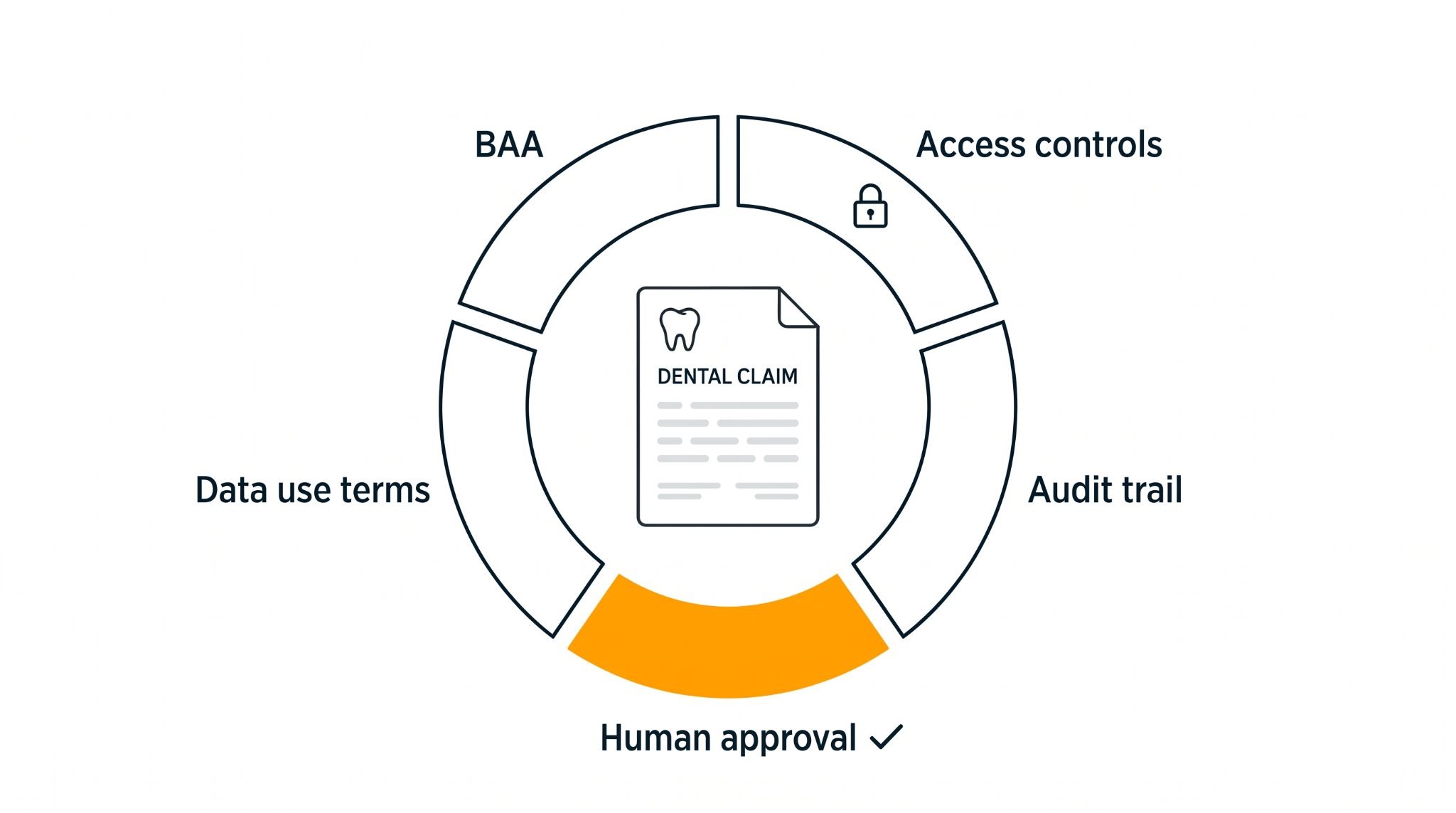
Yes, as part of a compliant setup—but no software is "HIPAA compliant" out of the box. True compliance depends on the vendor's technical safeguards, the Business Associate Agreement (BAA) you sign, and how your group configures user access and approvals.
Under HIPAA, any Revenue Cycle Management (RCM) vendor that creates, receives, stores, or transmits protected health information (PHI) is a business associate. That includes AI vendors and any subcontractors they rely on, such as cloud hosts or third-party AI model providers. Treat "HIPAA-compliant AI" as a claim to verify against the HHS Security Rule, not a guaranteed fact.
The HHS summary of the HIPAA Security Rule describes the administrative, physical, and technical safeguards a vendor should be able to show you, including access controls, audit controls, and protection of data in transit and at rest.
What should a BAA with an RCM vendor cover?
A HIPAA business associate agreement should define how the vendor may use PHI, how it protects it, how it reports problems, and what happens to the data when the contract ends. HHS publishes sample business associate agreement provisions as a starting point.
For a multi-location group, also confirm which legal entities and practices the BAA covers. Ask for a simple data-flow diagram showing where data is hosted, which AI providers touch it, and who on the vendor side can access it.
How do AI agents access payer portals, and whose credentials do they use?
A trustworthy AI agent uses its own identifiable, scoped credentials, not a shared password passed around the billing team. Shared logins make it impossible to tell who accessed or changed what, which is the accountability HIPAA's unique user identification requirement is meant to protect.
Ask every vendor to show you:
- How the agent logs in, and whether its actions are attributed to it in both the vendor system and the payer portal
- Which practices, accounts and tasks its access is limited to
- How credentials are stored, and whether multifactor authentication is used where payers support it
- How access is revoked for one location without breaking the others
If a vendor can only say the agent "uses your login," treat that as an open issue, not an answer.
What audit trail and human approval should you expect?
You should be able to trace every AI action on a claim from start to finish: what the agent saw, what it proposed, who approved it, and what happened next. A dashboard saying a task is done is not an audit trail.
Ask for a sample claim history that shows:
- The claim, practice, payer, time and the user or agent that started the action
- The source information the agent reviewed and the change it proposed
- Before and after values, with the reason recorded
- Who approved it and when, and the submission result
- How logs are retained and protected from changes
Also ask where the approval point sits. A person should see the proposed change and its evidence before anything is submitted. Zentist's guide to AI agents in dental RCM covers the broader questions to ask about how agents make decisions.
Is patient data used to train AI models?
It depends on the vendor, so ask in writing. Processing a claim is different from keeping its contents to train a model, and a BAA doesn't automatically permit training use.
Get written answers on:
- Whether prompts, attachments, outputs, or support logs are kept, and for how long
- Whether any customer data improves models shared with other customers
- Whether third-party AI model providers can keep or use your data
Be careful with "we anonymize it." HIPAA recognizes two methods for de-identifying health information: Safe Harbor and Expert Determination. Removing patient names alone doesn't meet either standard.
What should be on your AI billing vendor security checklist?
Use one checklist across every vendor and give each item an internal owner. A sales demo should start the review, not end it.
- [ ] BAA: covered entities, services and subcontractors reviewed by compliance or legal
- [ ] Security evidence: risk management, encryption, access controls and incident response reviewed by IT
- [ ] Credentials: agent and human identities, access limits and revocation demonstrated
- [ ] Audit trail: a sample claim traced from source data to outcome
- [ ] Human approval: approval before submission, exception ownership and escalation shown
- [ ] Data use: training, retention and deletion terms in writing
- [ ] Exit: data export and offboarding terms agreed

For the rest of the buying process, see the 8 questions to ask before buying dental billing software.
How does Zentist handle AI, access and approvals?
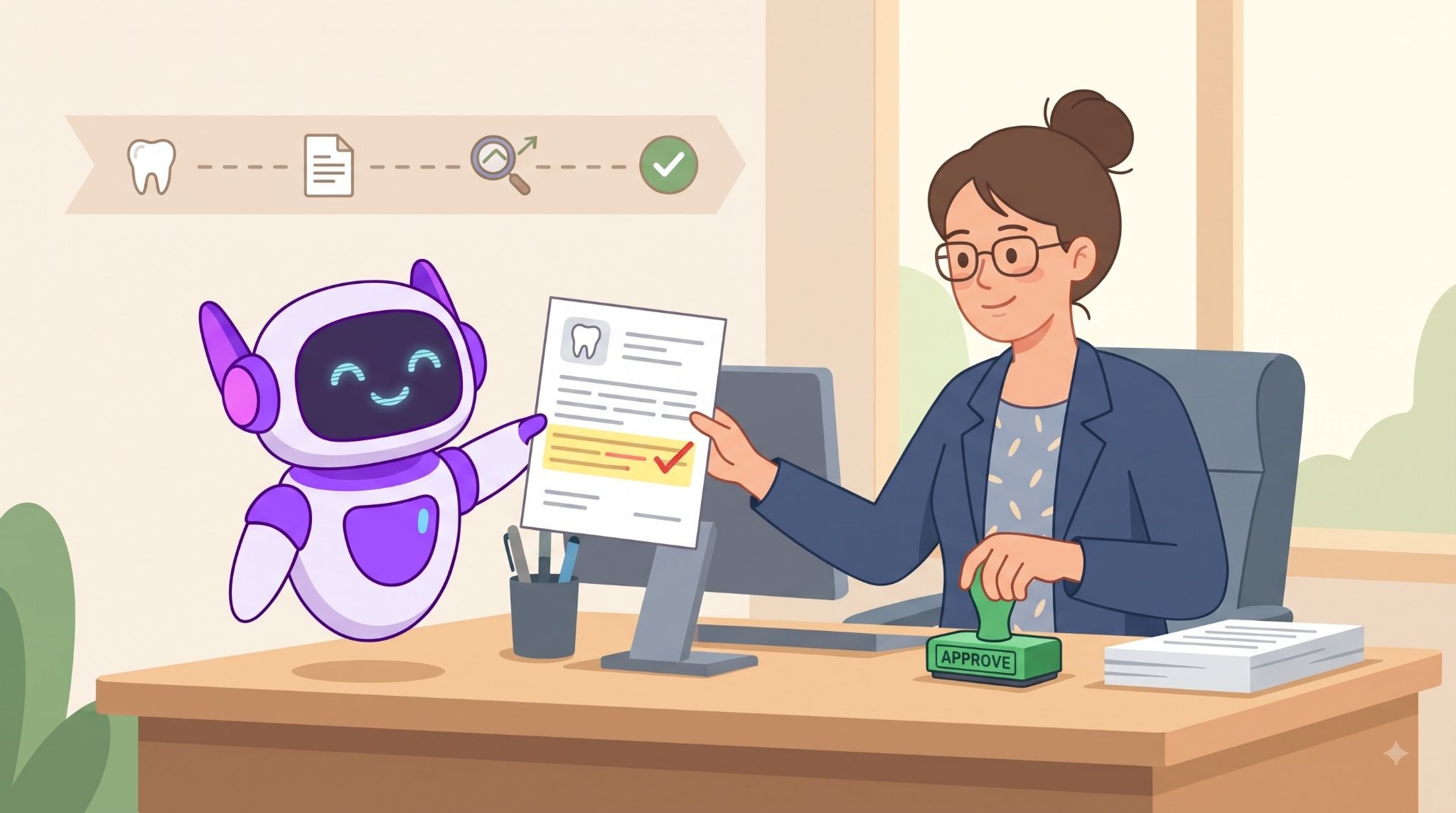
Zentist is built so AI never acts on a claim without a person signing off, and every action can be traced back to who approved it.
Caviar reviews claims and diagnoses rejections using credentials scoped to your practice accounts. It proposes the fix and waits for a biller to approve it before anything is submitted or changed, and every step is recorded in a full audit trail. Remit AI collects EOBs and ERAs, matches every EFT to its remittance, reconciles each payment, and posts it to your PMS, with unmatched payments flagged as exceptions for your team.
Bring your compliance and IT leads to the demo. Ask to trace a claim, see the approval and audit records, and review the BAA and data-use terms.
Buy AI billing with proof, not promises
Zentist helps 5,000+ dental practices, and DSOs automate billing with human approval built in. Book a demo and bring your security questions.
FAQ
Heading

Answer

